
Features
Everything in Canoryn, in one place.
What the app does today, what's coming next, and the details you'd want to know before installing.
01
The agent
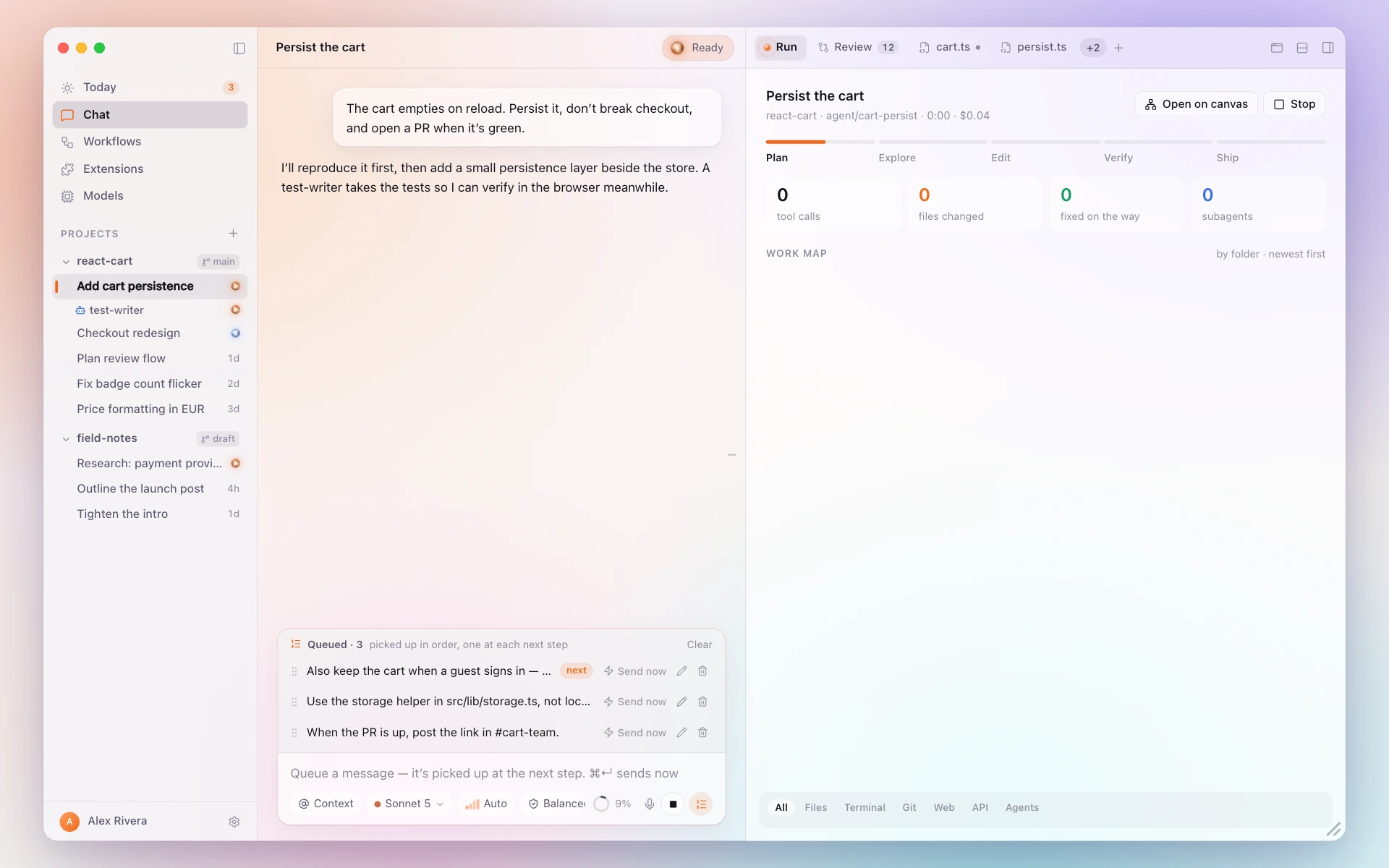
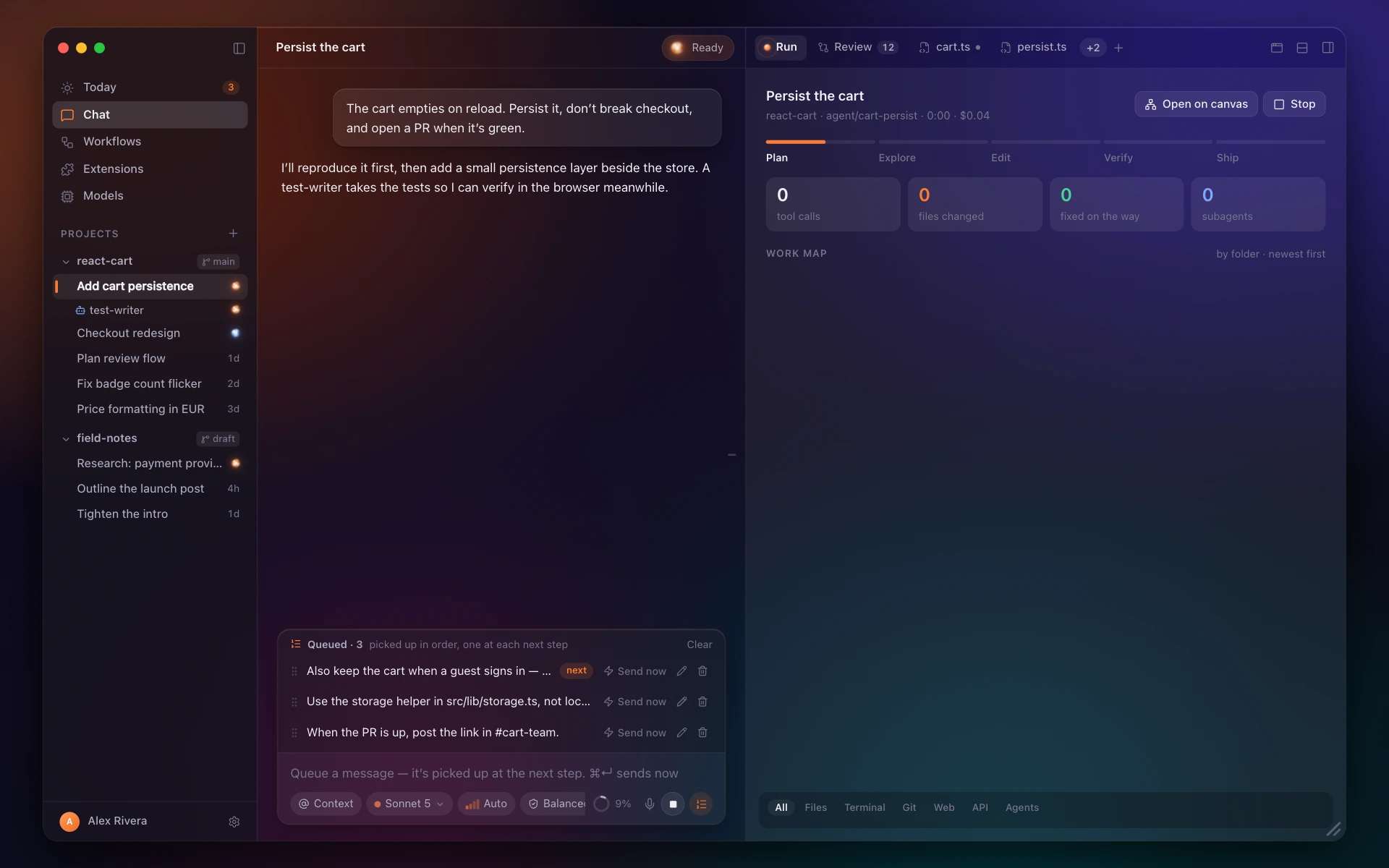
Give it a job in a project. It plans, reads, edits, runs and tests — every step shown with the evidence that it worked.
In Canoryn today
- Files read, commands run and their output, in order, in the chat
- Consent before writing files, running commands or going online
- Type while it works: messages queue and it takes them at the next step
- Sessions persist — close the lid and pick up tomorrow
Coming soon
- A rebuilt transcript: thinking, tool calls and results as their own cards, smooth on very long chats
02
Editor
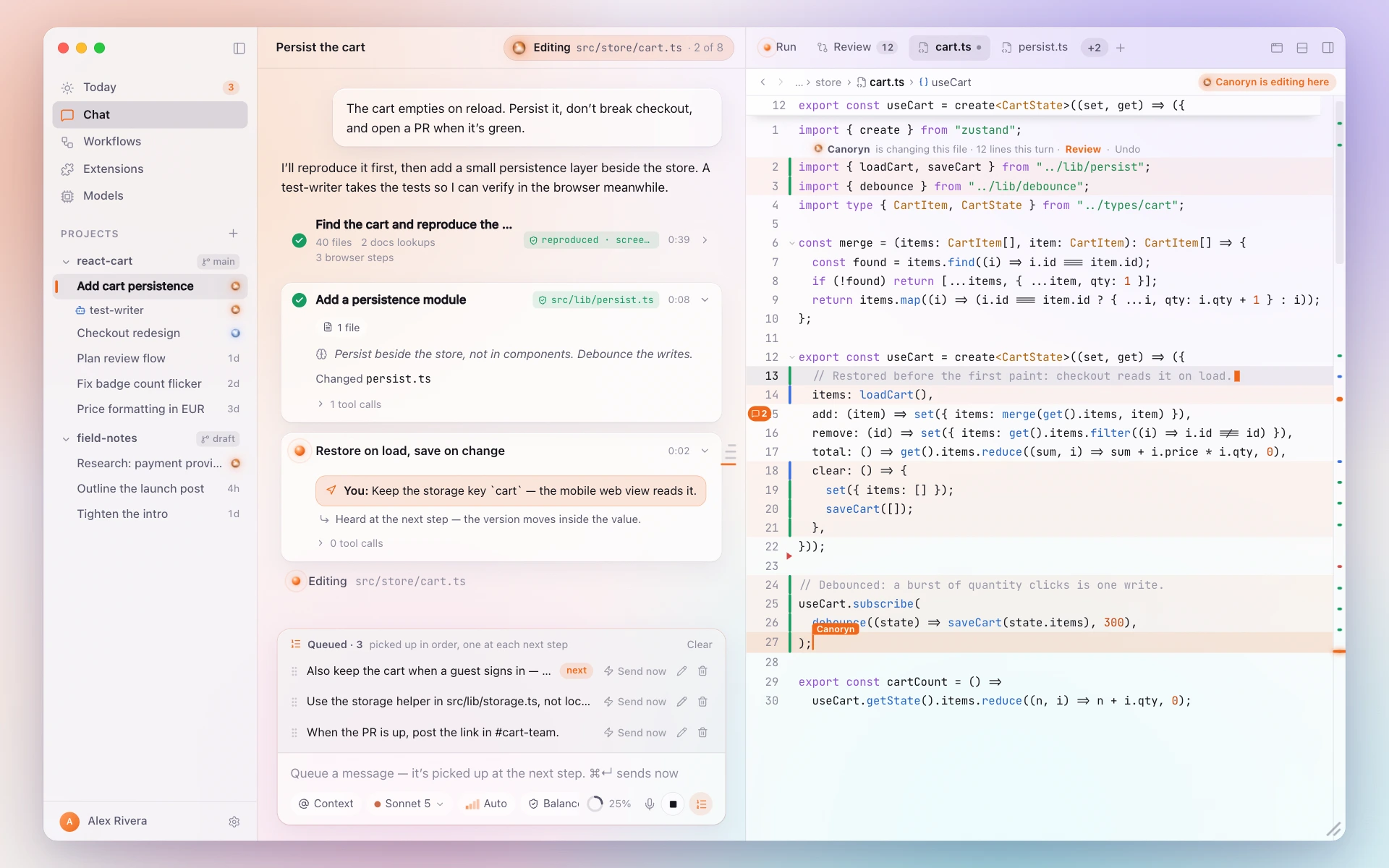
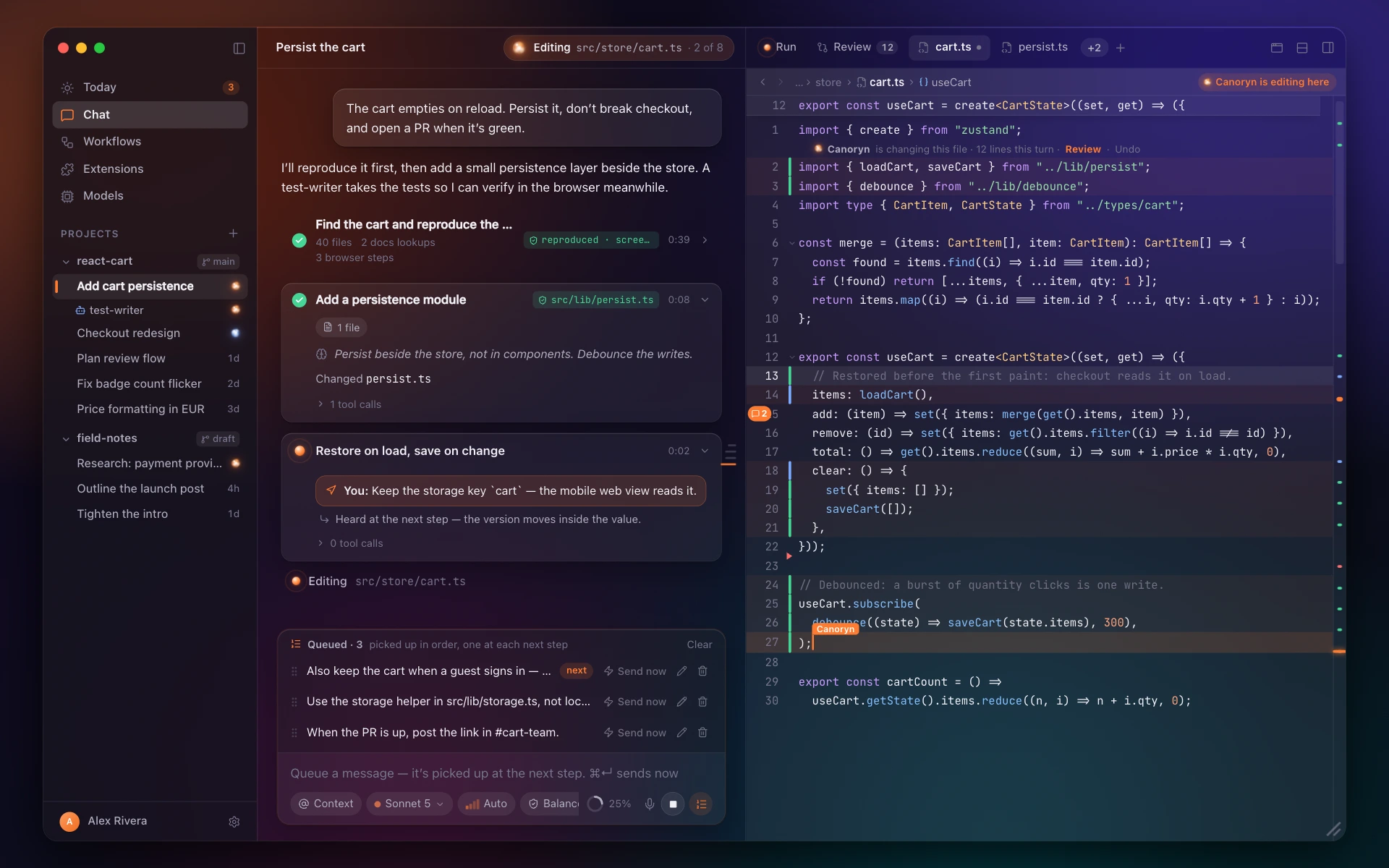
A real code editor on TextKit 2, beside the chat. The agent's edits land in the file you're looking at.
In Canoryn today
- 25 languages; language servers for completion, errors and rename
- Multiple carets, folding, find and replace, snippets
- Line comments the agent can read and answer
Coming soon
- Sticky scroll
- Code tours: the editor walks an answer stop by stop
03
Review & Git
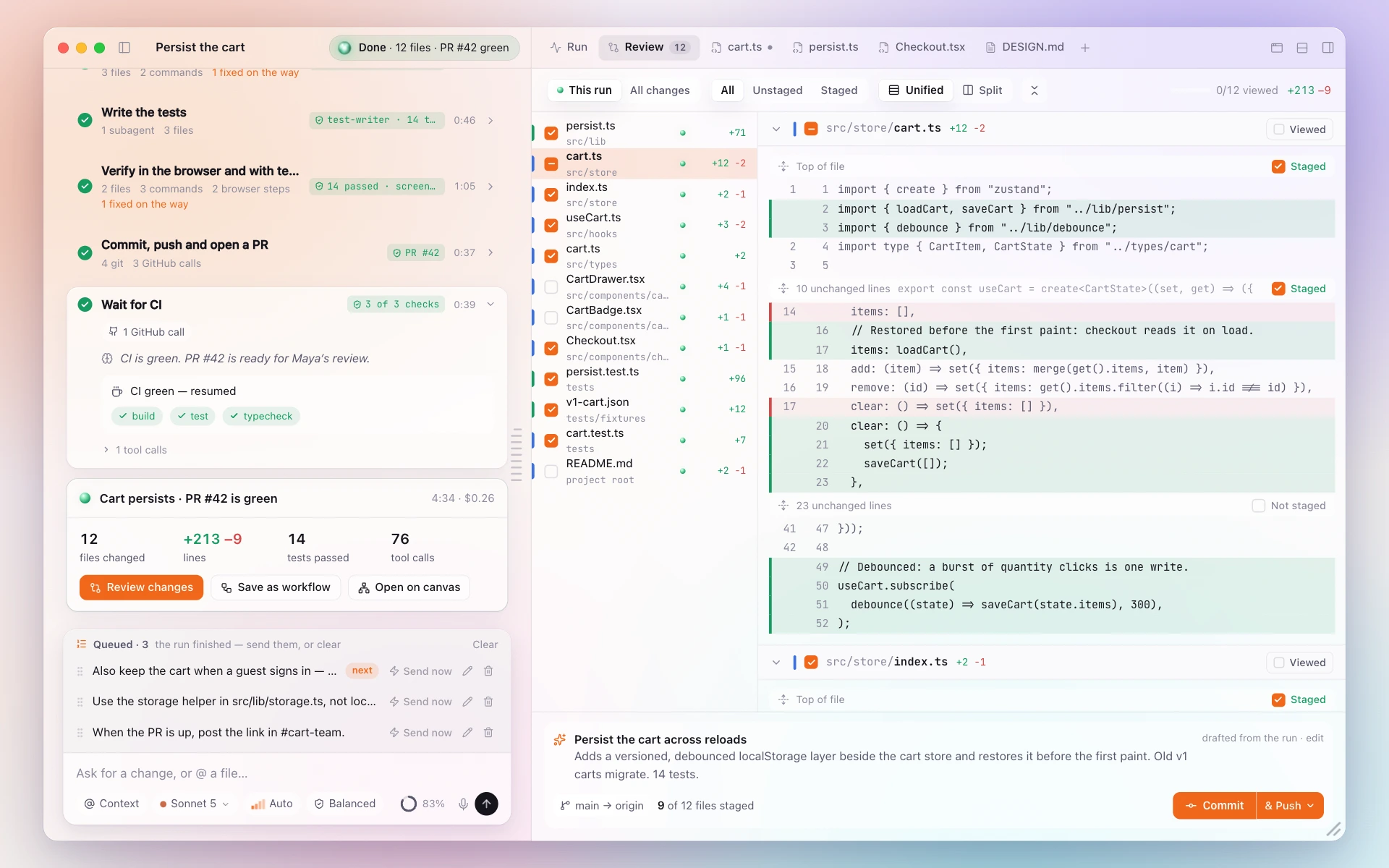
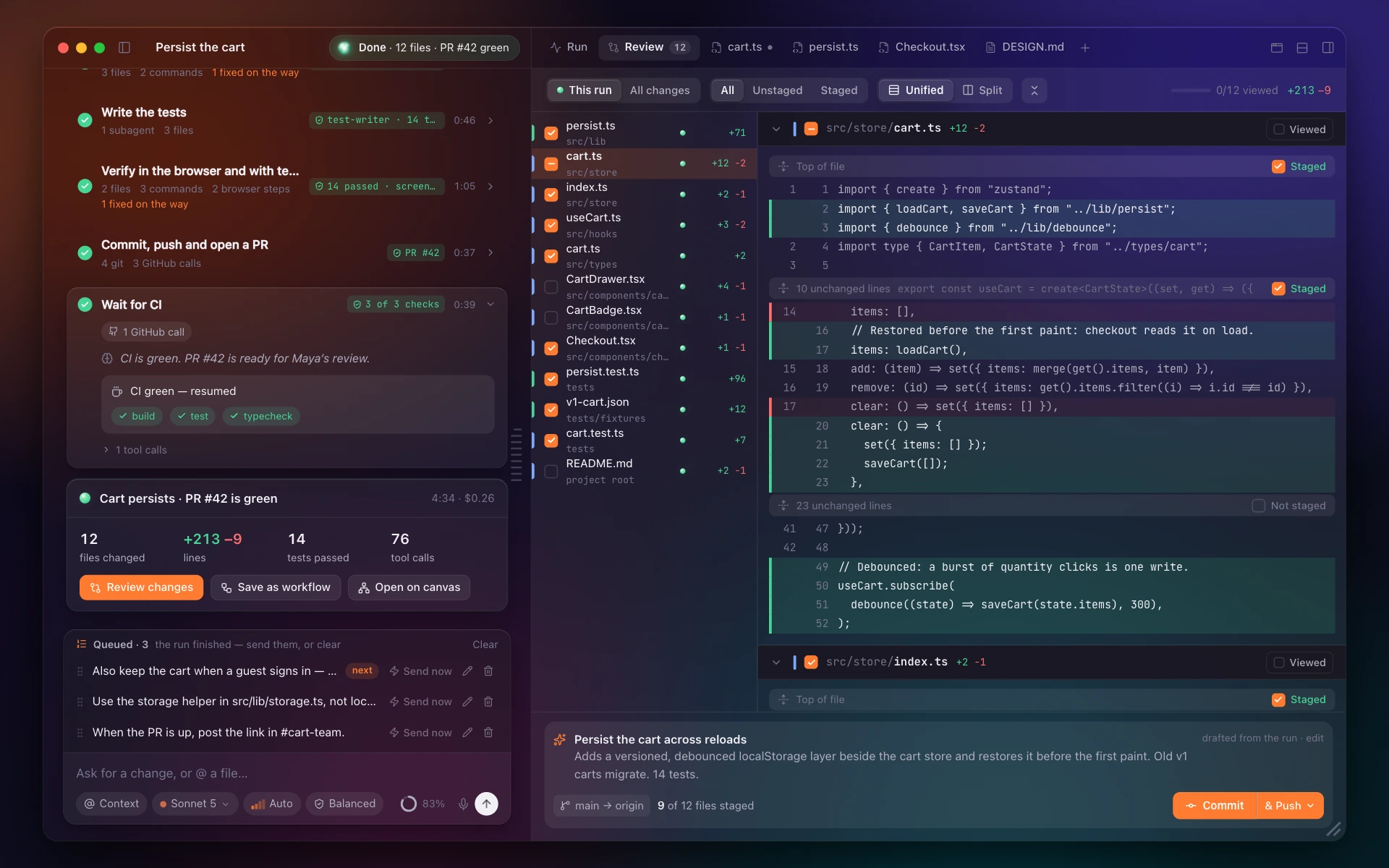
Every changed file in one list. Stage a hunk or a single line, commit with a generated message, undo if you change your mind.
In Canoryn today
- Git in the gutter while you edit
- Hunk and line staging
- Review comments that stay put as the code moves
04
Documents
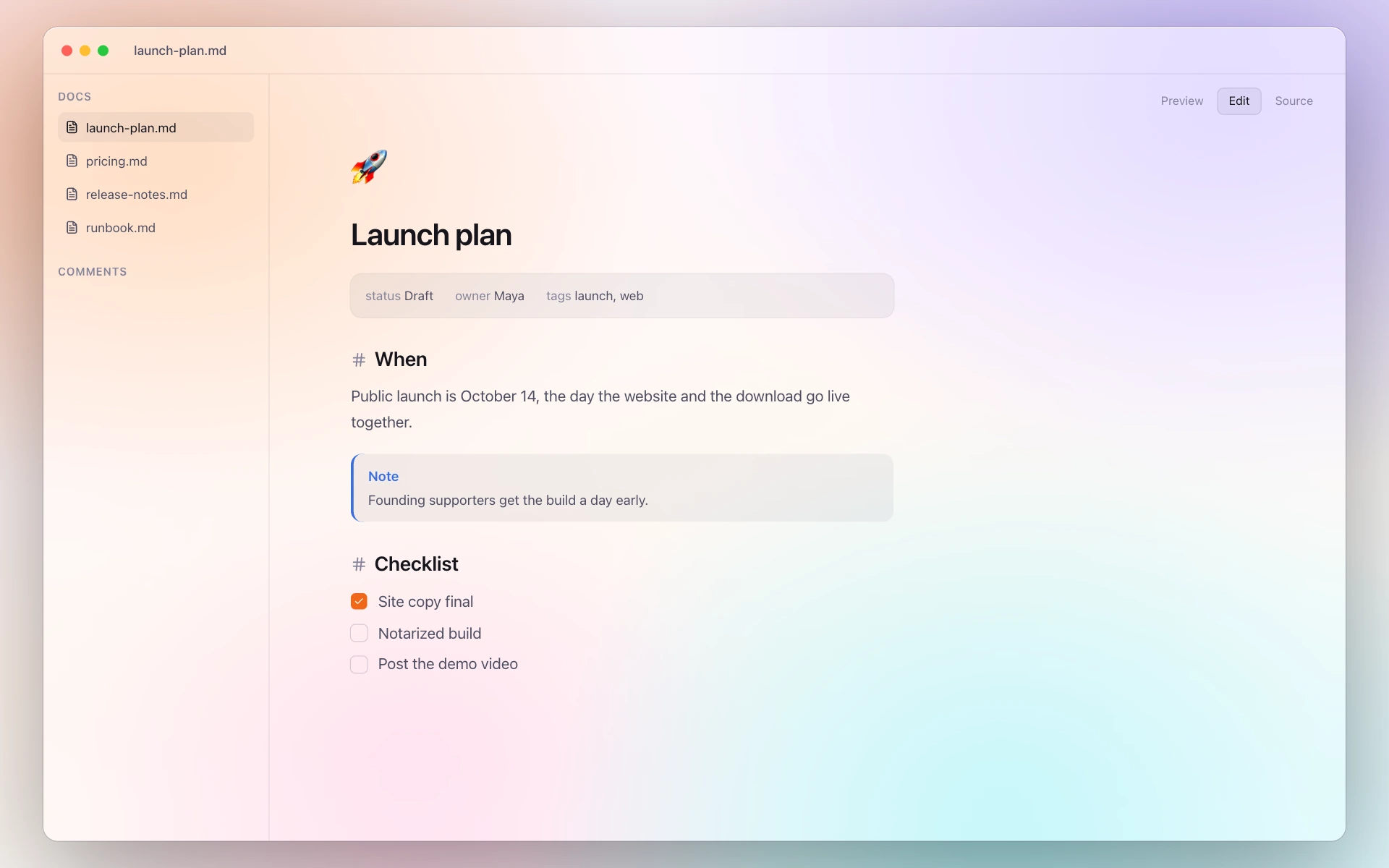
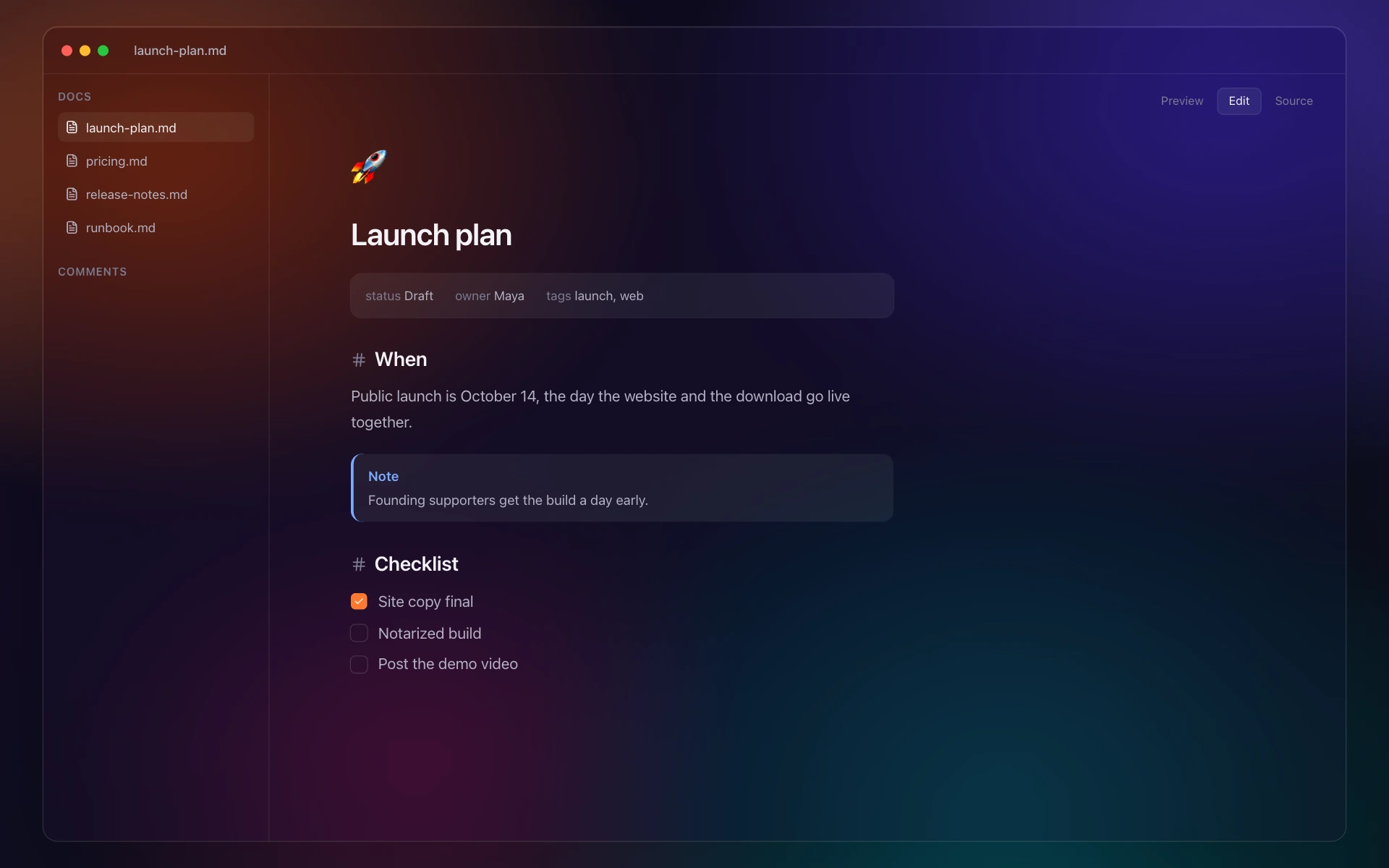
Markdown that reads like a page. Comment on a passage, hand it to the agent, and it edits the document and replies in the thread.
In Canoryn today
- Preview, Edit and Source — the file stays plain Markdown
- Export to PDF or a web page
- Publish a page to canoryn.app with a link to share
05
Canvas workflows
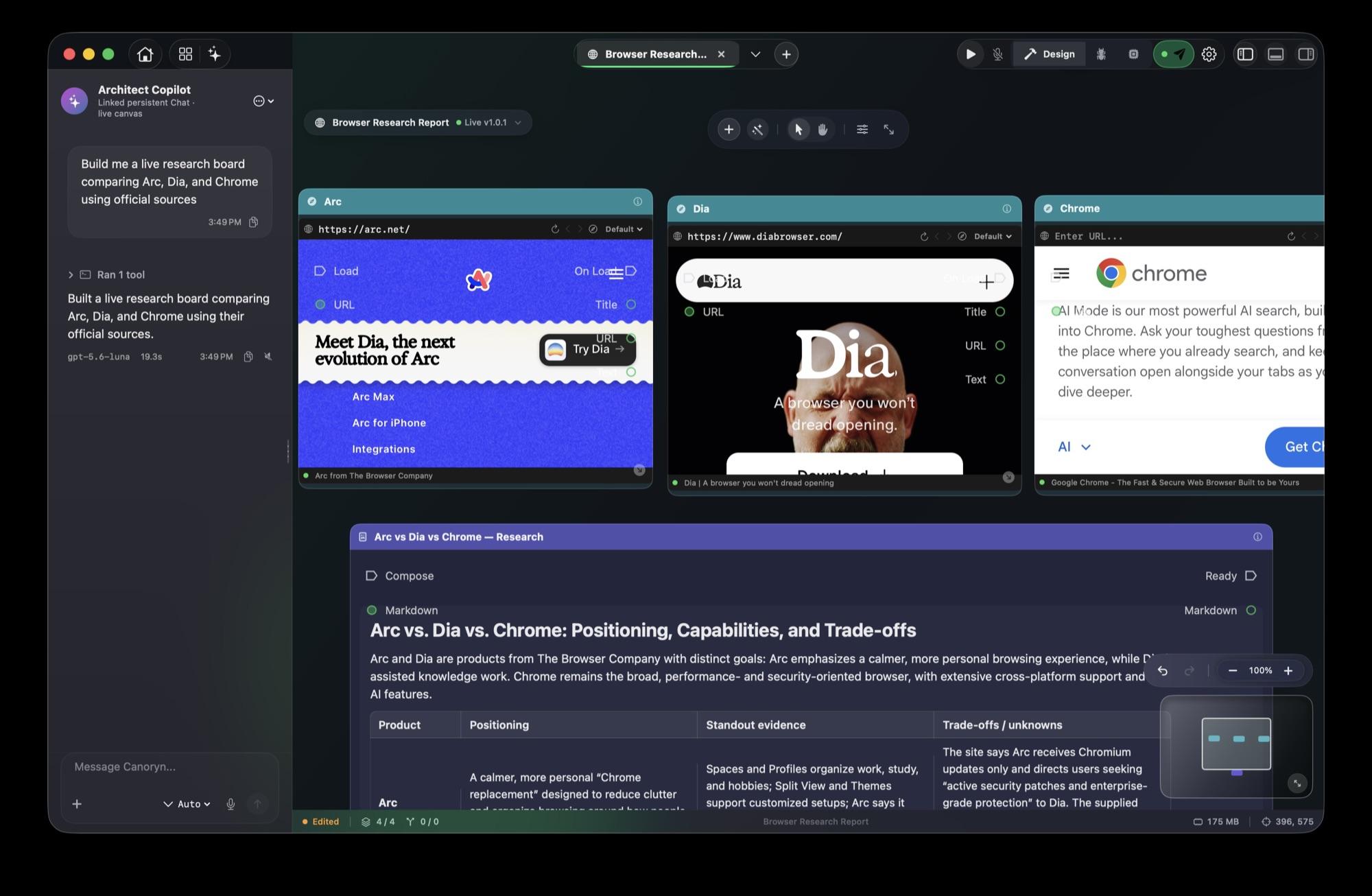
Live browsers, terminals, AI steps and documents on one board. Run it, leave it running, save it and run it again tomorrow.
In Canoryn today
- Every browser node is a real WebKit page; every terminal a real shell
- Saved as a .cryn file you can version, share or publish as a template
- Run from the app, the CLI, or another agent over MCP
- Write a workflow as YAML and compile it
Coming soon
- Ask in the chat and the agent builds or edits the board
06
Models
Bring a frontier model with your own key, use your ChatGPT plan, or run one locally — and pick per session.
In Canoryn today
- OpenAI (key or ChatGPT plan), Claude, Gemini
- 30+ more providers set up in a minute — xAI, Mistral, DeepSeek, OpenRouter, Groq and more
- 11 local runners — Ollama, LM Studio, MLX and more; prompts never leave your Mac
- Each model's context, tools and image support read from the provider
- Pick a model per session and per AI step
 Ollamaany local model
 OpenAIyour key or ChatGPT plan
 Claudeby Anthropic · your key
 Geminiyour key
07
Voice
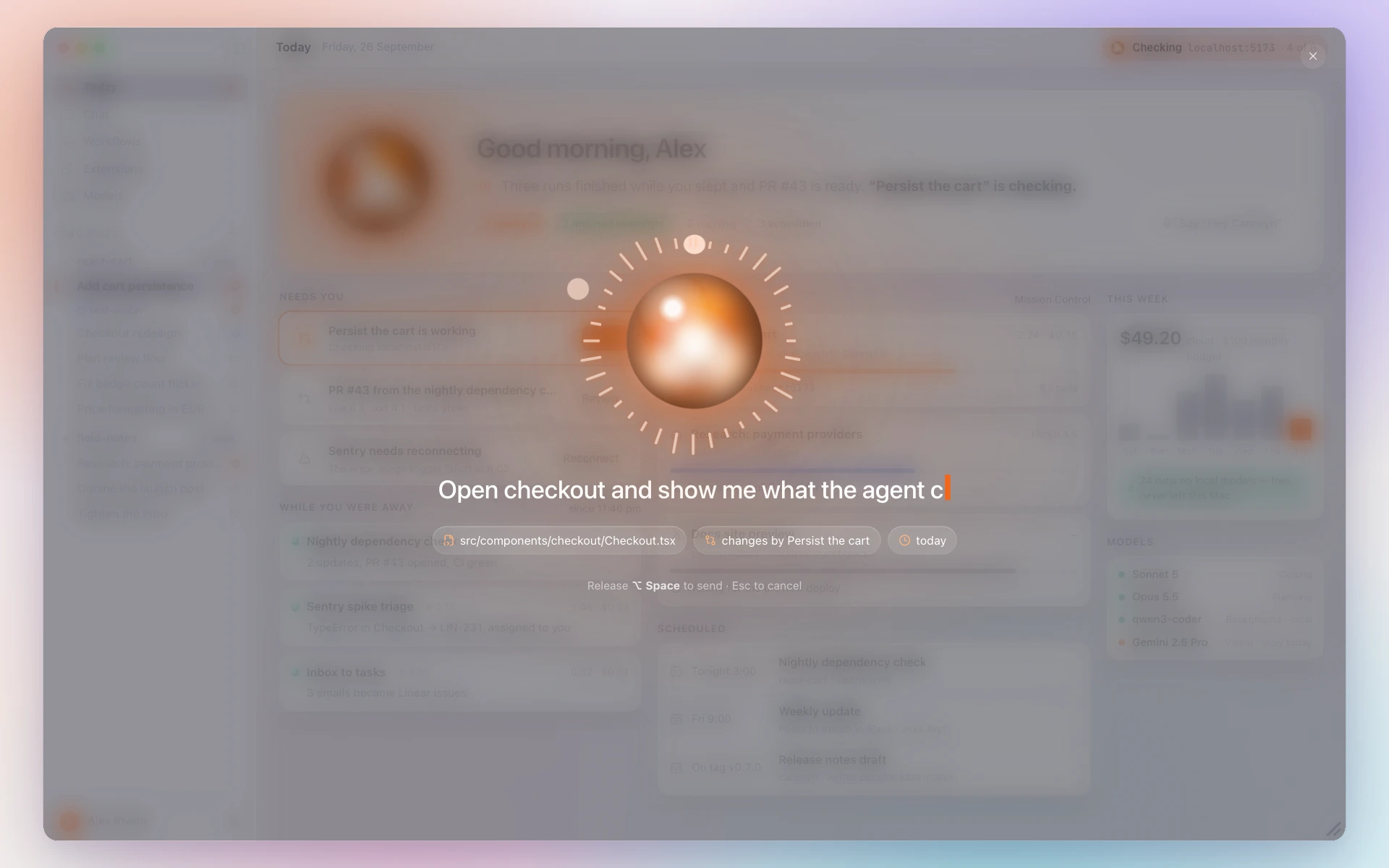
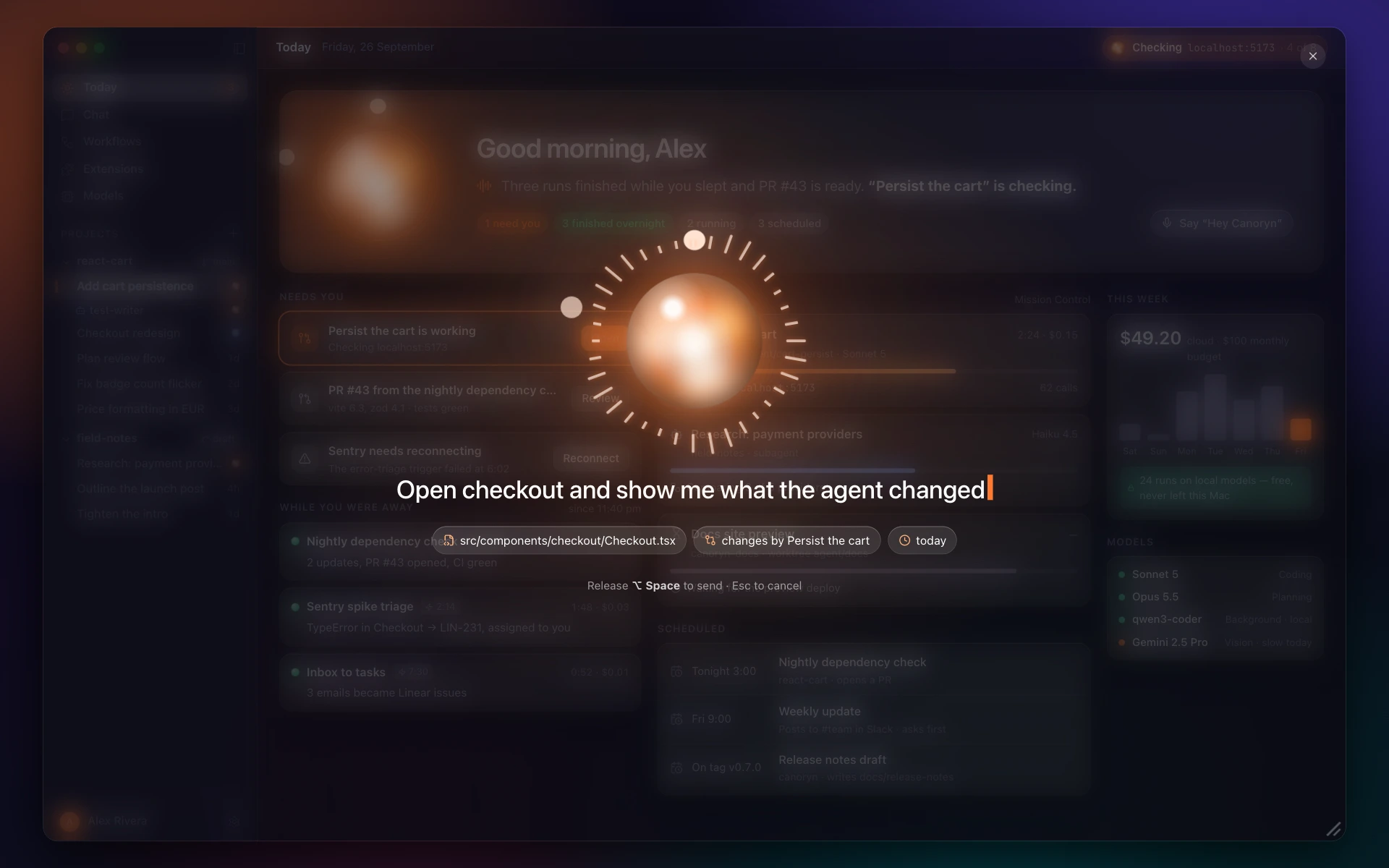
Dictate a message, or say the wake word over whatever you're doing.
In Canoryn today
- Speech recognition through Apple's frameworks
- Spoken replies with Apple, OpenAI, ElevenLabs or a local voice
08
CLI & MCP
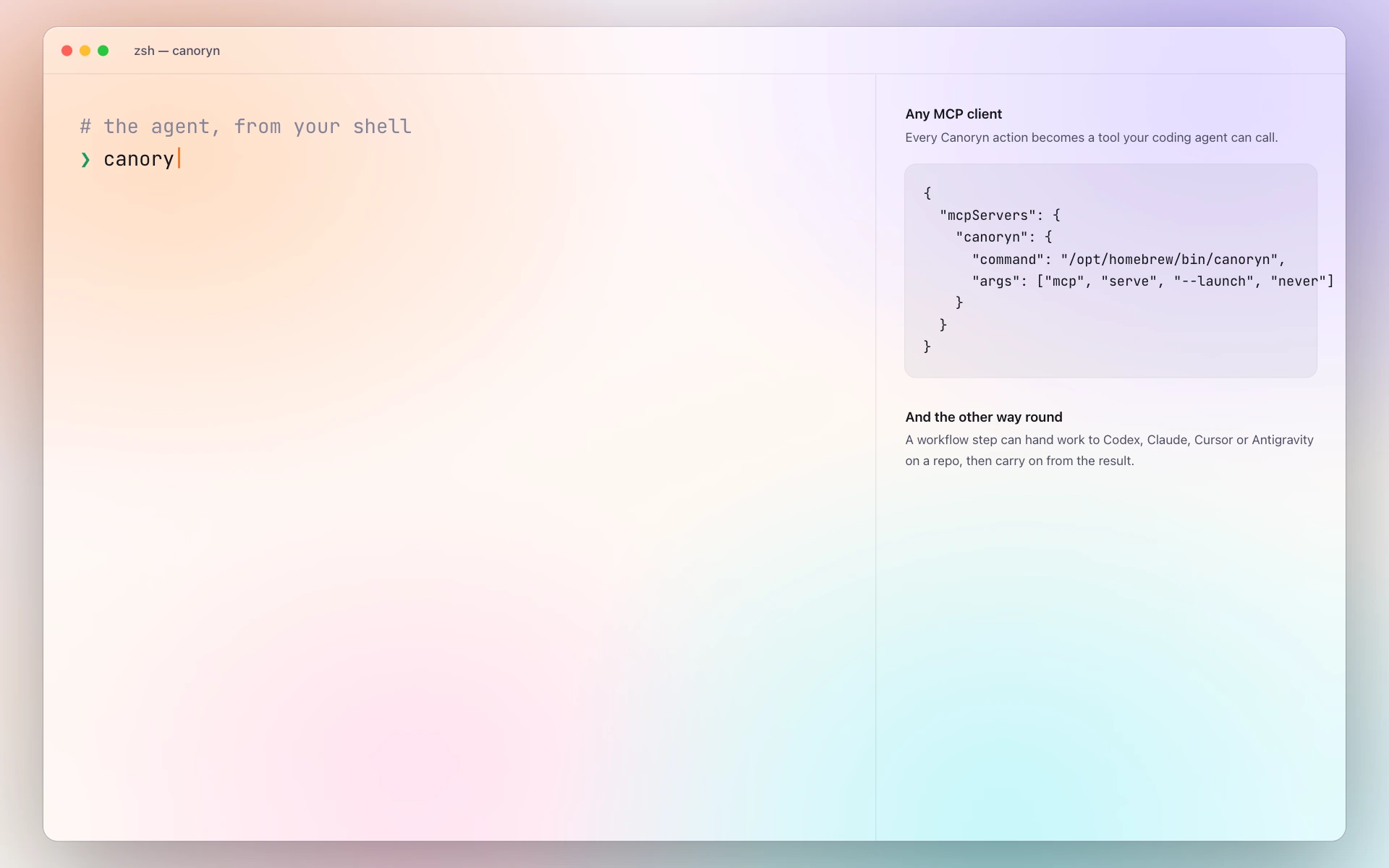
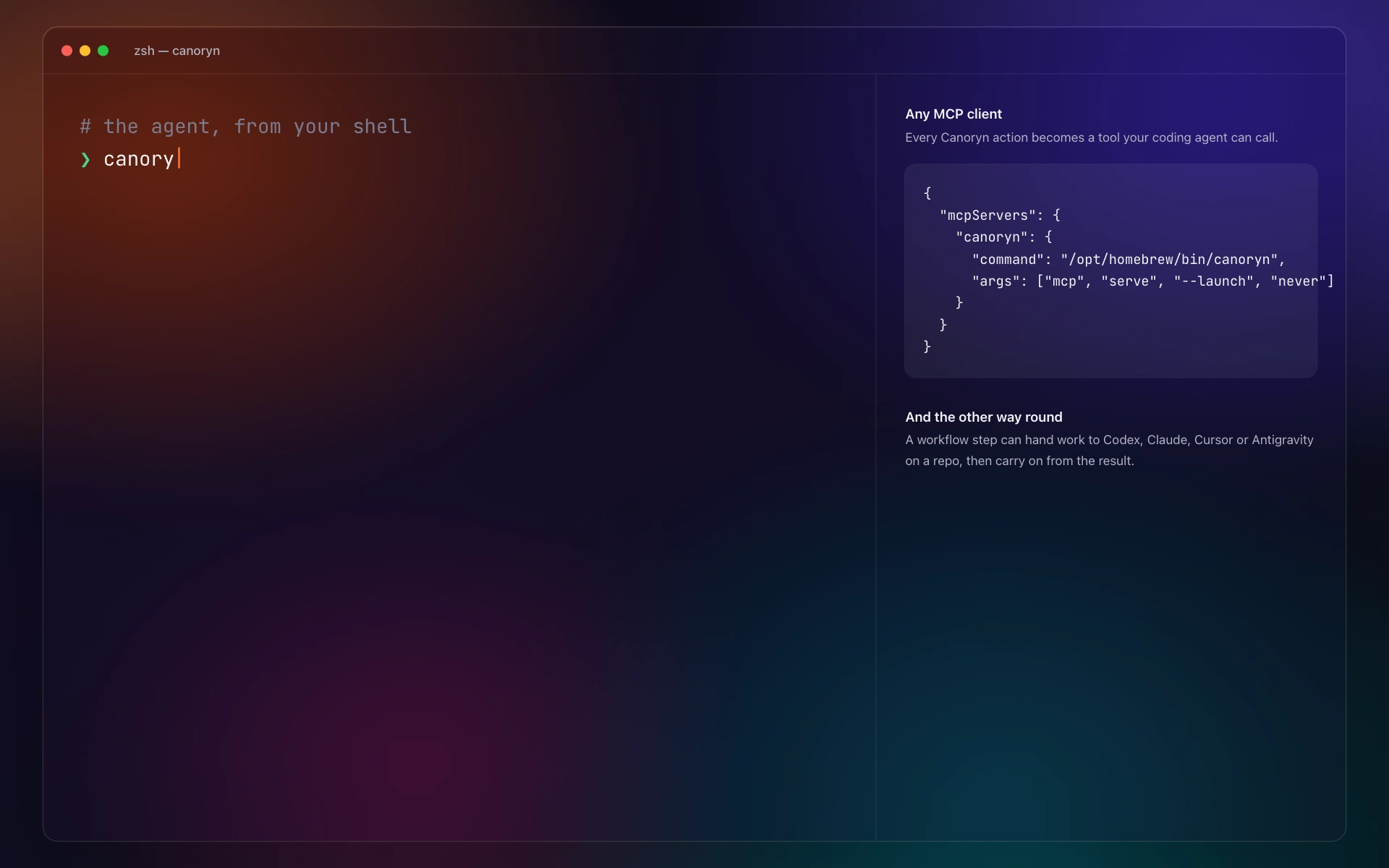
Other doors into the same agent. Drive it from your terminal and scripts, or plug Claude Code, Codex or Cursor into it.
In Canoryn today
- The canoryn command runs workflows from your terminal and scripts
- An MCP server with a compact default toolset — 17 tools, about 3k tokens
- canoryn provider check: test a model's streaming, tools and reasoning
- Consent still lives in the app
Specs
The details.
- macOS
- 15.4 or later, Apple silicon and Intel
- Download
- 46 MB (installed: 106 MB)
- Built with
- Swift, SwiftUI and AppKit — no Electron, no bundled Chromium
- Models
- OpenAI, Anthropic, Gemini, ChatGPT plan, Ollama and OpenAI-compatible servers
- Keys
- Stored in your macOS Keychain; requests go straight to your provider
- Files
- Plain Markdown documents; workflows as .cryn
- Integrations
- CLI, MCP server, canoryn:// links, Git
- Price
- Free · founder license $29 once